
Three details to confirm
- Provide can diameter, height and viewing direction.
- Measure space above and around the insert.
- Request step dimensions and fixing method.
 01 / 01
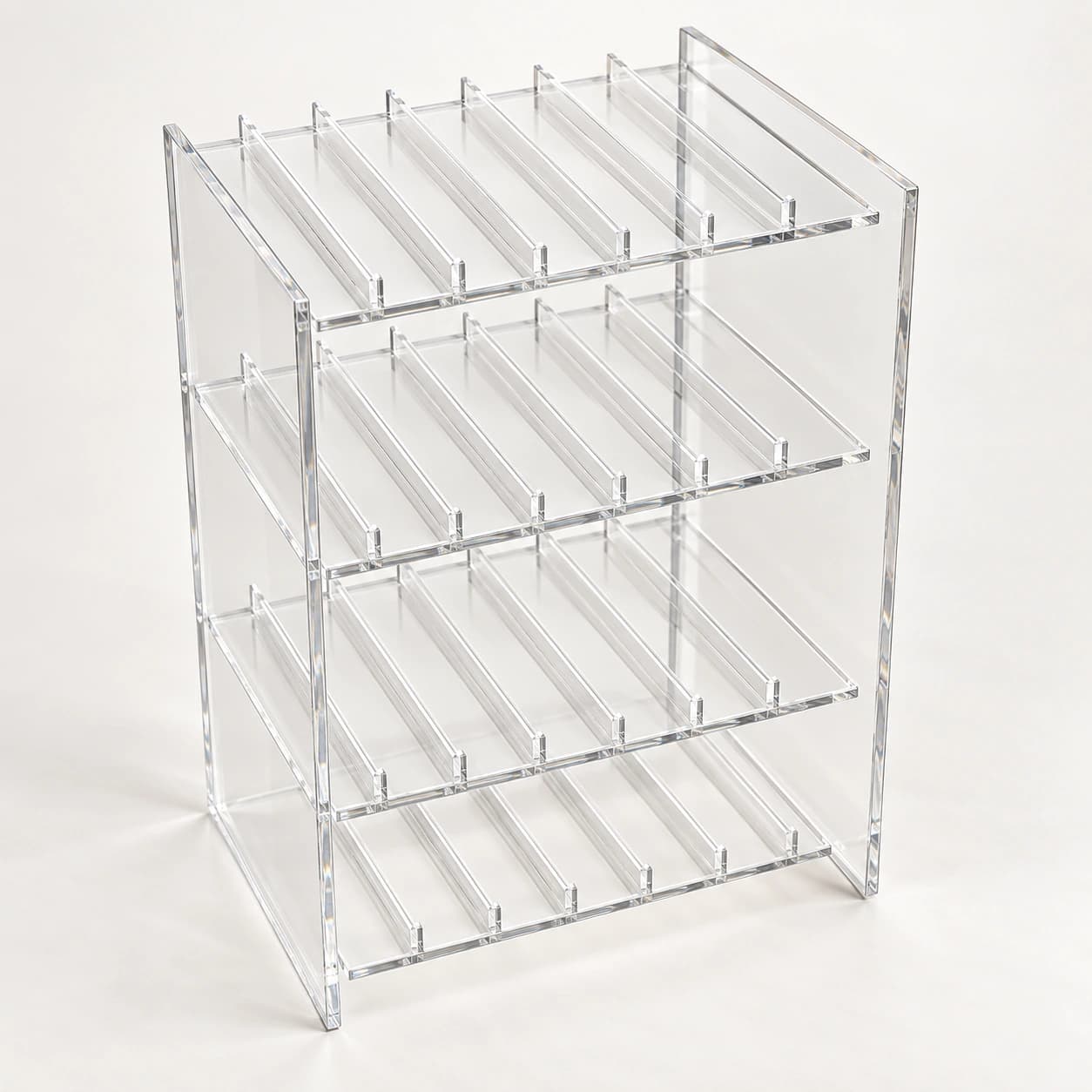
MARKOOL model · MK-PT-SH-AC-CU
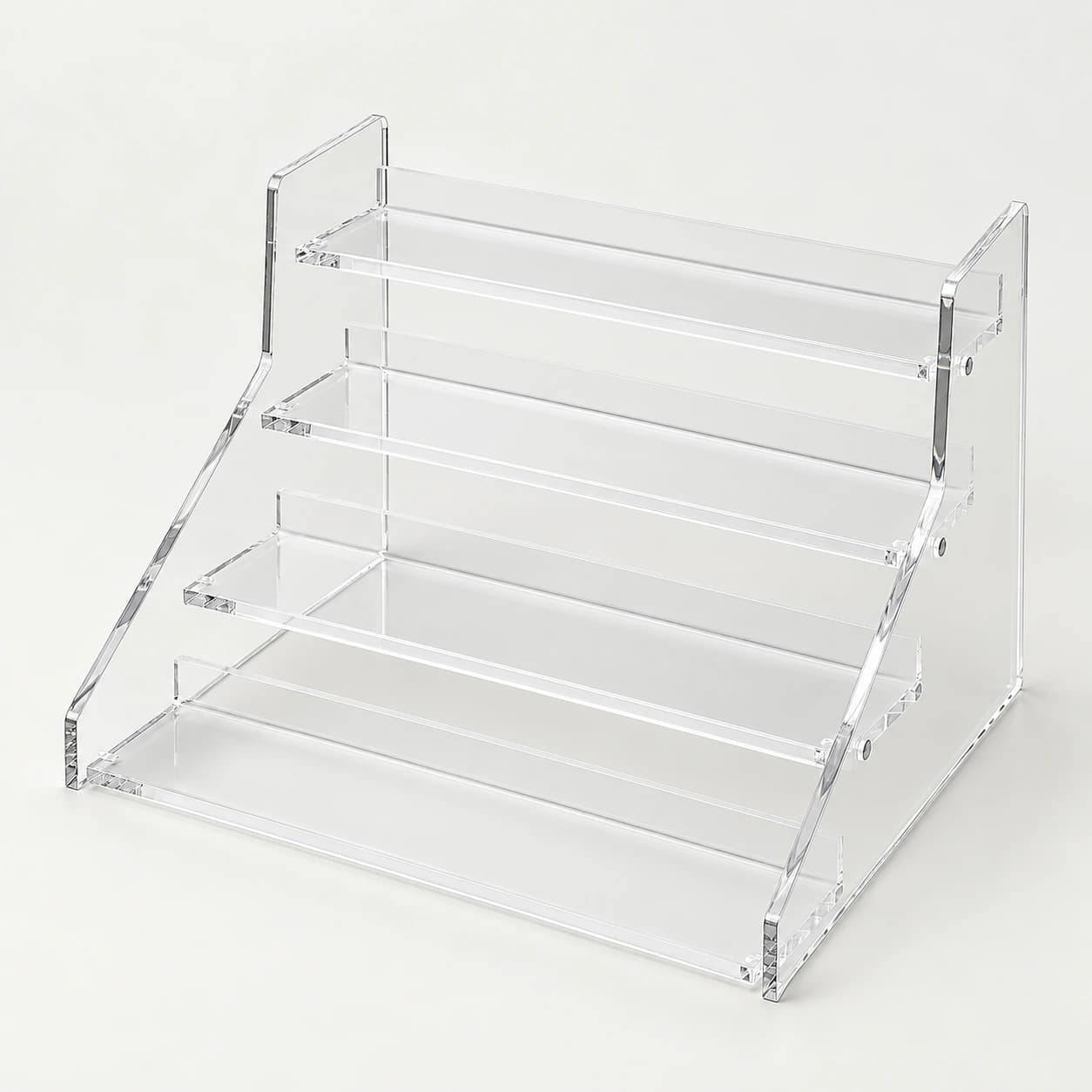
For a four-tier display insert, assign packs to each proposed level and show the available cabinet space.
Provide can diameter, height and viewing direction.
Project configuration
Made to the agreed component drawing. Dimensions, interfaces and material selections are set for the project; working loads and performance limits are confirmed for the selected assembly.
For a four-tier display insert, assign packs to each proposed level and show the available cabinet space. Define the viewing direction and retrieval route before confirming step dimensions.
Review label visibility and access to the rear level with actual packs. Agree insert support, stability and material thickness on the selected layout.
Plan the quality review →Component decision
Compare a nearby catalogue option, then use the checks below to define your request. Each record keeps its own drawing, configuration and supply scope.
The four-tier record names a tier count; the riser leaves step arrangement open. Compare each footprint and geometry with cabinet clearance and actual cans.
Reference component dimensions do not establish host compatibility. Match mounting, supports and the agreed assembly drawing.
Review MK-PT-SH-AC-BC · Ref. 129 →Keep catalogue reference 128 attached to the request, especially when model labels are shared.
Request MK-PT-SH-AC-CU ↗Plan the first order
Quantity, dimensions, materials, mounting hardware and any tooling determine the component quotation. The picture identifies the format; the agreed drawing and item list define the supplied part.
Ask the quote to separate: product and included fittings; sample or tooling; branding; inspection/documents; packing/parts; freight and named delivery place.
Full terms, payment and lead-time conditions →Information for this model
Save this record’s published values, comparison notes, supply questions and product-view links in one editable file.
Download MK-PT-SH-AC-CU · Ref. 128 ↓Fill in your requirements, save a copy and share it with your RFQ.
Download checklist ↓A public revision is not listed here. Specify the host opening and mounting interface so the applicable file or missing details can be identified.
Request this model's technical file →Identify the exact model, destination and purpose. The response confirms the applicable revision or what still needs to be prepared.
Request applicable instructions →Selection boundary
Check tier count, step heights, rack footprint, stability and clearance around the stored packs.
Configuration and supply
Acrylic insert; supporting cabinet shelf and displayed products are separate items.
The quotation itemizes the supplied configuration and included accessories.
Review permitted inserts and labels without obscuring the product-facing area.
Selected options are confirmed for this model before sample approval.
Discuss these options →What happens next: the first response identifies the proposed configuration, the information needed to price it and the applicable files available for review. Sales response: within one business day.
Procurement confirmation
Send the information that defines product fit, destination setup, selected options and delivery scope for your quotation.
Related products
Explore related formats in this category. Check dimensions and operating requirements separately for each model; a related product is not automatically interchangeable.
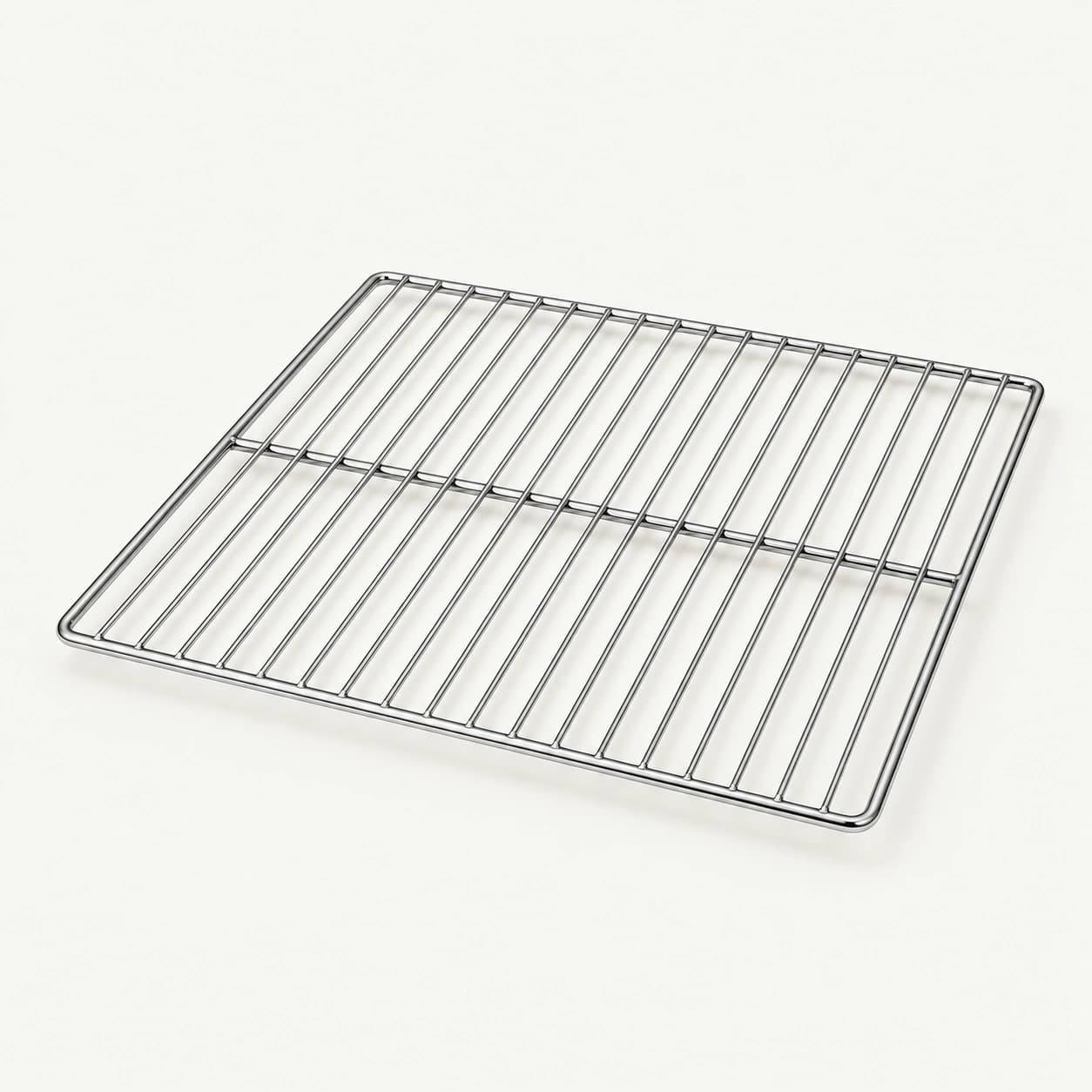
For a shelf in a glass display cabinet, identify the viewing sides and the actual loading side.
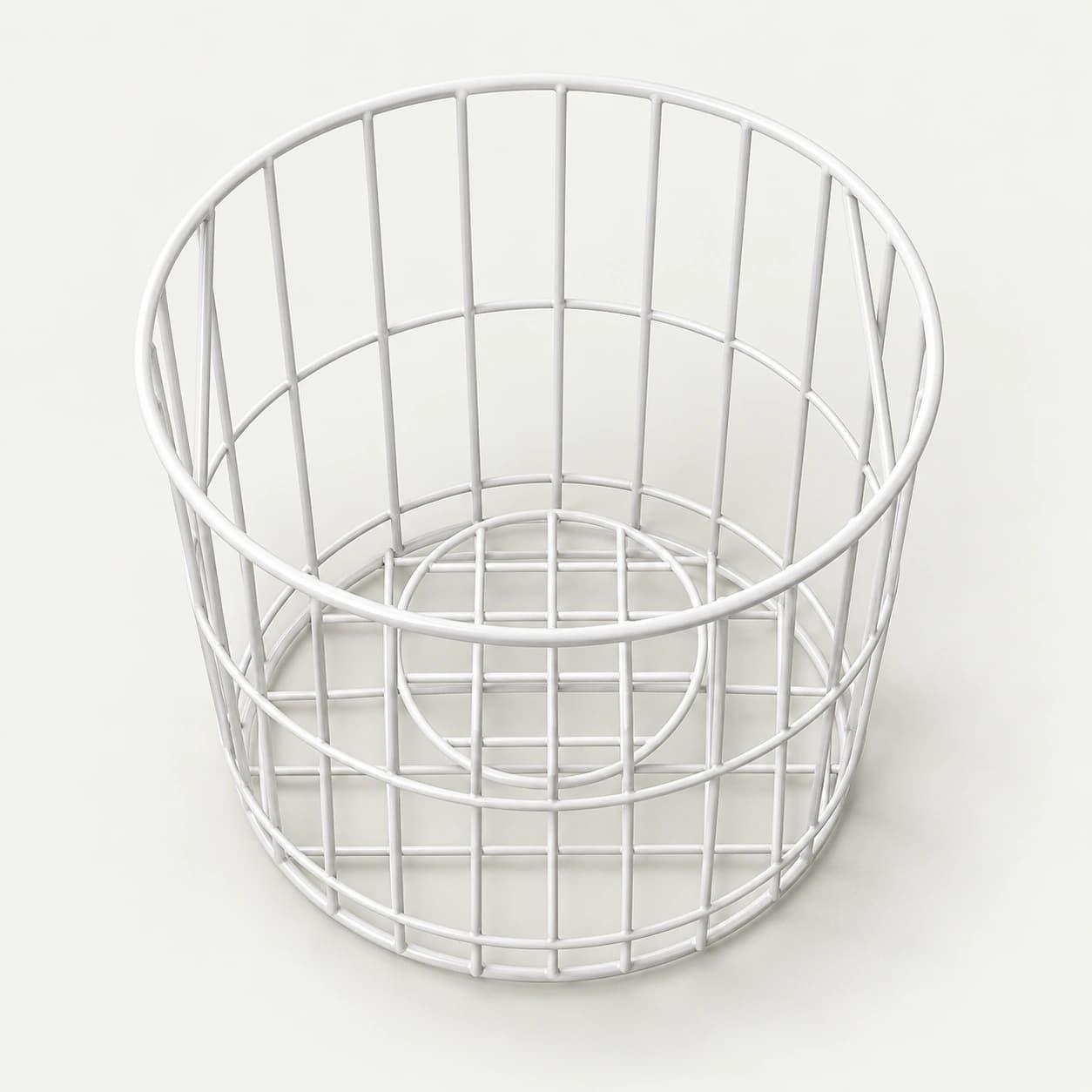
For a round cooler basket, specify the pack mix, usable storage space and available removal route.
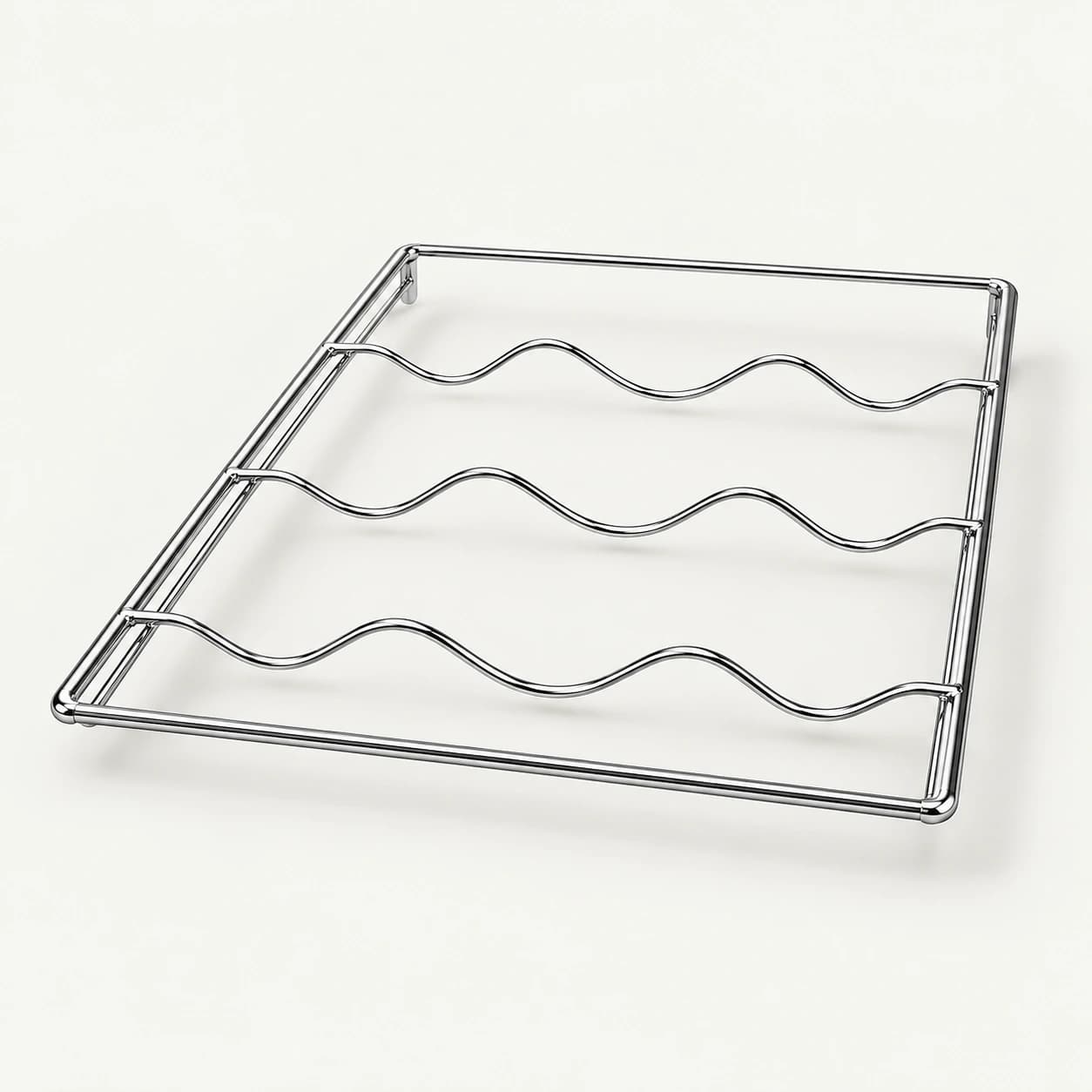
For a wave wire bottle rack, provide the smallest and largest bottle envelopes, intended orientation and cabinet supports.
For a display riser enquiry, provide the pack bases, target presentation height and customer viewing position.
Request MK-PT-SH-AC-CU
The model, internal product record and page URL are attached automatically. Add quantity, market, pack or fit dimensions and customization requirements.